Recognize collaboration
Care Points
See household levels, badges, streaks, points, recent rewards, and monthly reports.
How it works
For the Employer
Complete and verify eligible household workflows instead of awarding points manually.
Open the Care Points summary to review recent rewards, badges, streaks, and reports.
Treat points as recognition only and investigate duplicate or abnormal rewards.
For the Helper
Complete eligible tasks and shared workflows through their normal action buttons.
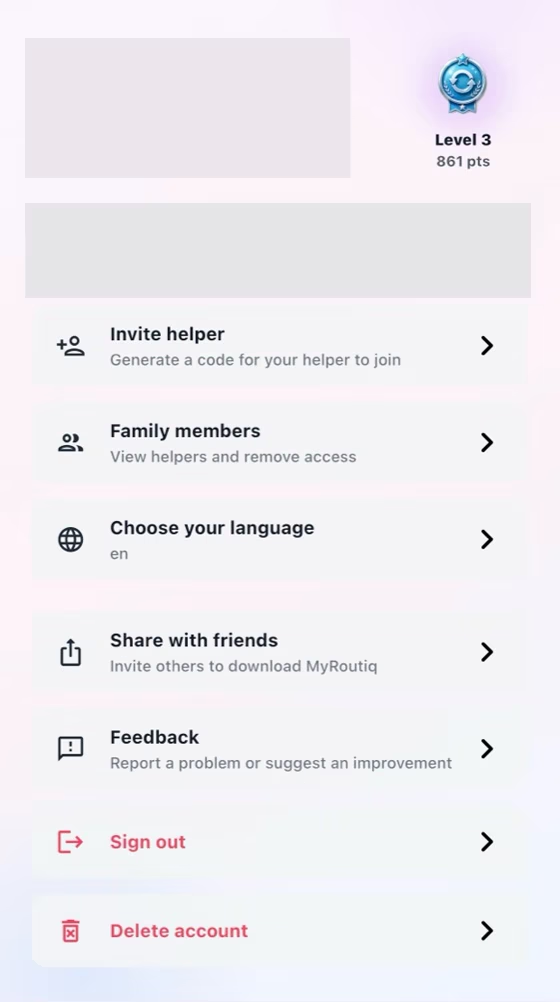
Open the Profile badge to review earned points, household level, and recent rewards.
Avoid repeated submissions because anti-abuse limits prevent duplicate rewards.
How it works
Complete meaningful actions such as task, shopping, pay, rule, and rest-day workflows.
MyRoutiq records eligible collaboration points with anti-abuse limits.
Open the Profile badge to review household level, badges, streak, and reports.
For the Employer
Use the summary to recognize completed collaboration loops, never to rank or punish a worker.
For the Helper
See consistent work and household cooperation recorded over time.
Common checks
Common checks
- Confirm the correct household, account, record, date, and role before saving.
- Review names, notes, links, dates, amounts, and status before the other person acts.
- Keep uploads within the in-app limit; if offline, reconnect and retry.