Household matching
Connect the right employer and Helper in three steps.
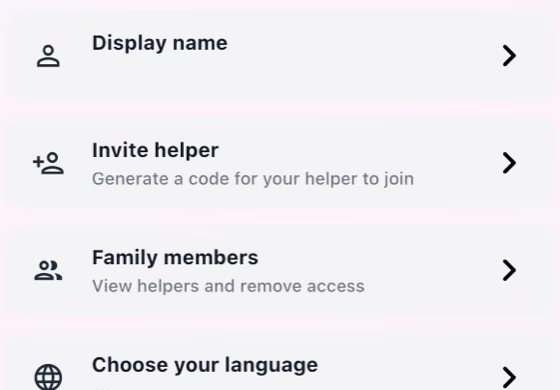
Employer creates the invitation
Open Profile, create or open the household, then generate an invitation code for the Helper.
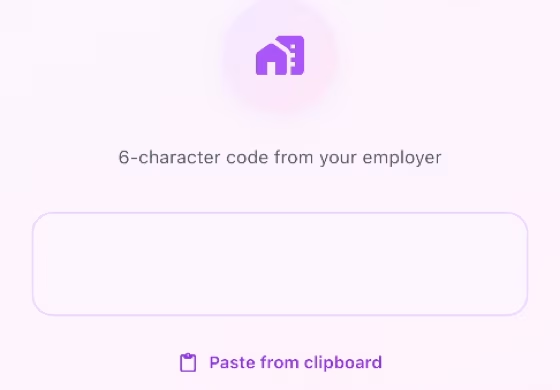
Helper joins the household
Sign in as Helper, enter the invitation code, and confirm the household name before joining.
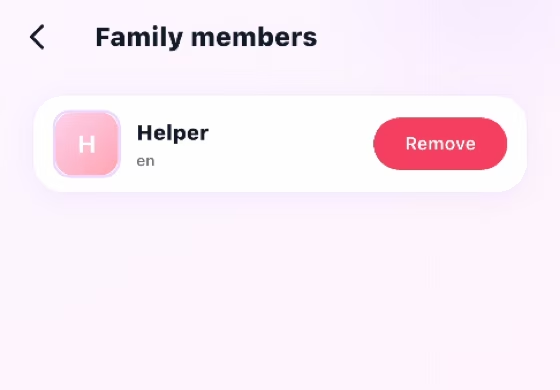
Both verify membership
Open Profile > Family Members and confirm both roles appear in the same household.
How it works
- A Helper joining an employer must use the invitation code and must not create a second household.
- The Employer can remove a Helper and the Helper can leave the household. Either action may permanently delete associated pay records, so follow the in-app warning before confirming.
- If matching fails, verify the invitation code, signed-in account, network connection, and current household membership before trying again.
Common checks
- Confirm the correct household, account, record, date, and role before saving.
- Review names, notes, links, dates, amounts, and status before the other person acts.
- Keep uploads within the in-app limit; if offline, reconnect and retry.
Download